
Alternatives to SVG to 3D
Explore the best alternatives and competitors to SVG to 3D.
Explore 20 alternatives to SVG to 3D. Compare features, pricing, and find the best fit for your needs.

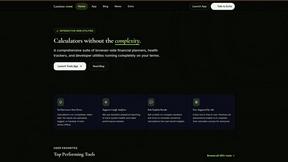
Luminus Tools
A fast, privacy-first suite of online calculators, financial desks, health trackers, and developer utilities running completely in your browser withou
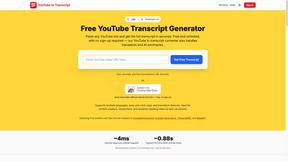
GetYouTubeTranscript
Free YouTube transcripts on the web, a Chrome extension, and an API + MCP server so AI assistants can read YouTube.
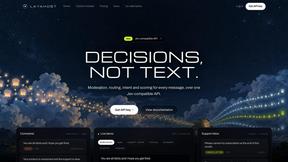
layahost
Moderation, routing, intent and scoring for any text over one Jev-compatible API, hosted in the EU.



amaze.directory
A directory of AI tools where every listing was opened and used by a person first. Search by job, filter by price, get the link.
benchmark.directory
146 AI tools across 20 categories, indexed by the job they do. Every listing earned its place. None of them paid for it.
saasgrow.ai
Find SaaS growth tools worth your time. Every tool is reviewed before it's listed, so the shortlist is already made for you.

Tools Network
Tools Network is your one-stop hub for discovering the best AI tools online. We curate and organize the web's top AI-powered tools.


Built2WinWeb AI SEO
AI‑ready websites, WebAgentScan SaaS, and Indexing Pack. MCP, A2A, llms.txt — hand‑coded PHP, complete ownership, flat‑fee, free quote.
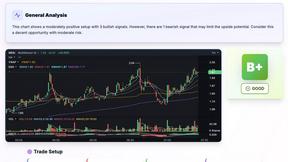
SnapPChart
SnapPChart grades a trading chart screenshot A+ to F, with an entry, stop, targets, and risk/reward. Works on stocks, forex, crypto, futures.


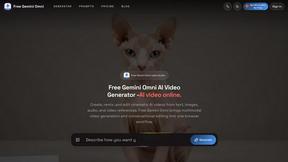
Free Gemini Omni
Create, remix, and edit cinematic AI videos from text, images, audio, and video prompts.
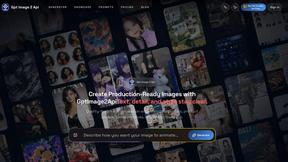
GPT Image 2 API
Generate and edit production-ready images with GPT Image 2 API, clear text rendering, reference images, and developer-friendly workflows.

About SVG to 3D Alternatives
SVG to 3D is a specialized AI assistant that instantly converts 2D vector graphics into high-quality 3D models. It belongs to the growing category of browser-based design tools that streamline complex workflows, eliminating the need for heavy desktop software. This focus on speed and simplicity for web-ready GLB and 3D-printable STL files is its core appeal. Users often seek alternatives for various reasons. Some need more advanced modeling features beyond extrusion and bevels, while others may prioritize different pricing models or offline capabilities. Platform dependency, specific export format needs, or integration with other design ecosystems can also drive the search for a different tool. When evaluating alternatives, consider your primary use case. Is it for real-time web graphics, 3D printing, or animation? Key factors include the quality of the 3D output, supported file formats, the depth of customization available, and how seamlessly the tool fits into your existing design or development pipeline. The goal is to find a solution that matches your technical requirements and creative workflow.
FAQs about SVG to 3D Alternatives
What is SVG to 3D?
SVG to 3D is a tool that transforms 2D SVG vector graphics into high-quality 3D models directly in your browser, streamlining a process that typically requires complex software.
Who is SVG to 3D for?
It's built for web developers, designers, and 3D printing enthusiasts who need a fast, browser-based solution to convert logos, icons, and designs into 3D assets.
What are the main features of SVG to 3D?
Key features include one-click GLB export for the web, 3D-print ready STL files, and in-browser controls for fine-tuning thickness, bevels, and PBR materials with a live preview.
Why choose SVG to 3D?
Choose SVG to 3D for its speed and simplicity, offering a much faster alternative to opening heavyweight 3D software just to extrude a 2D design.