
LinkMyAgency vs Playwriter
Side-by-side comparison to help you choose the right tool.

LinkMyAgency
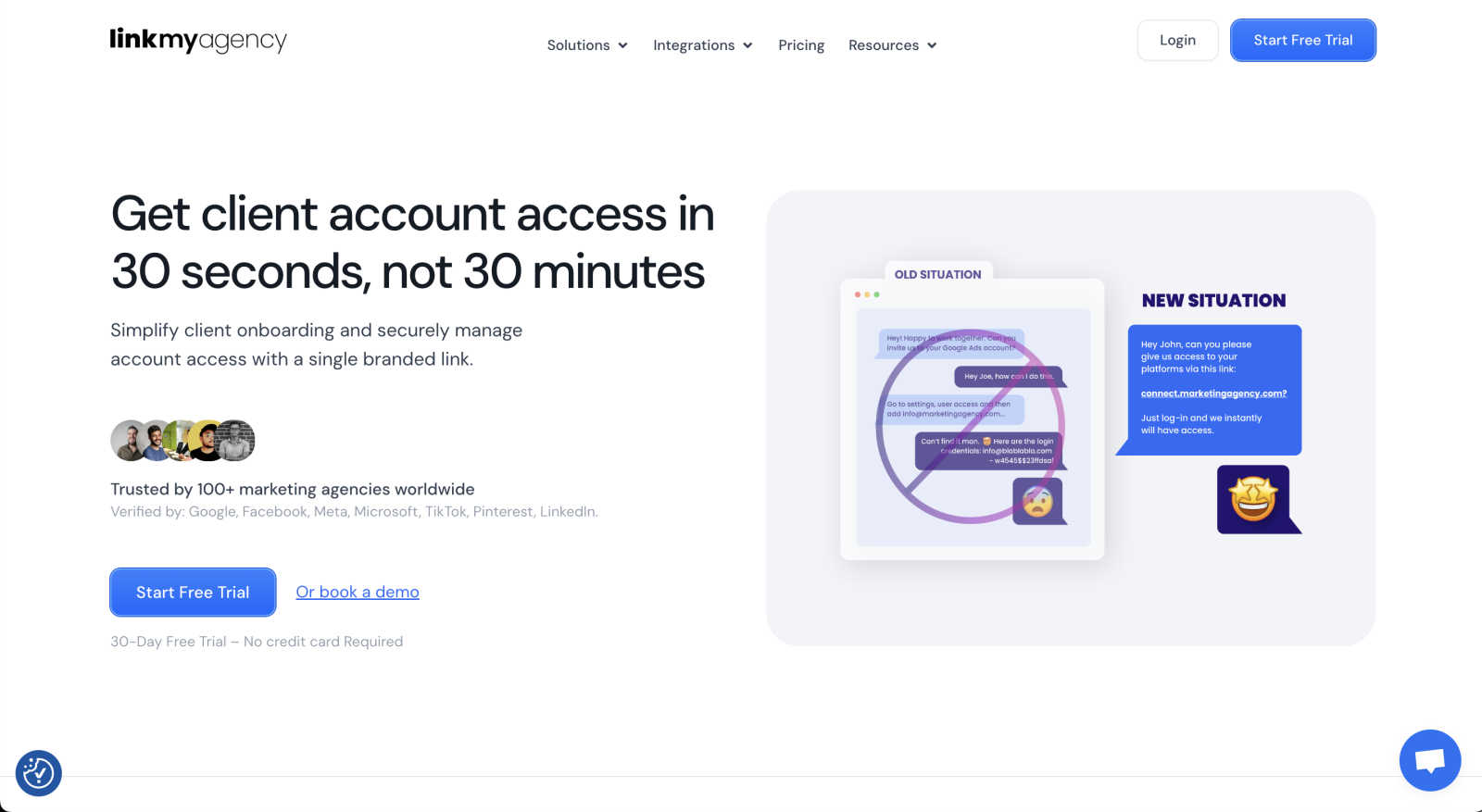
Simplify client onboarding and secure account access with a single branded link through LinkMyAgency's streamlined.
Last updated: March 1, 2026

Playwriter
Playwriter lets AI agents control your real Chrome browser with all your logins and extensions intact.
Last updated: March 18, 2026
Visual Comparison
LinkMyAgency
Playwriter

Feature Comparison
LinkMyAgency
Quick Client Connection
LinkMyAgency allows marketing agencies to send a single branded link to clients, enabling them to connect their advertising and analytics accounts in less than 30 seconds. This efficiency dramatically reduces the time spent on onboarding, allowing agencies to focus on delivering results.
Enhanced Security Measures
Using OAuth access, LinkMyAgency guarantees a high level of security for sensitive client information. This industry-standard protocol is trusted by major platforms, ensuring that agencies can onboard clients without the fear of data breaches or improper credential sharing.
Unlimited Invites and Bulk Transfers
The tool is designed with scalability in mind, offering unlimited invites for agencies to send out to clients. Additionally, bulk transfer capabilities streamline the onboarding of multiple clients, making it easier for agencies to manage their growing client base efficiently.
Multilingual Support
LinkMyAgency understands the global nature of marketing agencies and their clientele. With multilingual support, agencies can cater to clients from various linguistic backgrounds, ensuring a seamless onboarding experience that resonates with all users.
Playwriter
Your Actual Browser Session
Forget spawning new, sterile Chrome instances. Playwriter's Chrome extension attaches directly to your open tabs, granting AI agents access to your real browsing environment. This means all your active logins (Google, GitHub, social media), installed extensions (password managers, ad blockers), and existing cookies are immediately available. This eliminates the biggest hurdles in web automation: authentication walls and instant bot detection systems that flag fresh, cookie-less browsers. Your agent works within your digital identity, making automation flows for logged-in services not just possible, but effortless.
Full Playwright API via MCP
Playwriter doesn't limit your AI with a pre-defined, restrictive set of tools. Instead, it exposes the entire, industry-standard Playwright automation API through a single MCP tool called execute. Your agent can write and run any Playwright code—clicking, typing, navigating, waiting for elements, taking screenshots, and more. This "one tool to rule them all" approach avoids the context-wasting bloat of dozens of individual tool definitions and gives your AI the flexibility to handle any complex, dynamic web interaction you can code, from performance profiling to complex multi-step workflows.
Advanced Debugging & Live Editing
This is where Playwriter transitions from an automation tool to a development powerhouse. It includes a built-in debugger that allows you to set breakpoints in the agent's Playwright script, pausing execution to inspect the page state. More impressively, it supports live code editing, letting you modify the automation script on-the-fly while it's running. Combined with network request interception and manipulation capabilities, this feature set enables you to rapidly debug, test, and refine automation scripts in real-time alongside your AI, turning the browser into an interactive development console.
Lightweight Accessibility Snapshots
Traditional full-page screenshots are slow and consume massive context (100KB+). Playwriter solves this with intelligent, accessibility-focused snapshots. These compact (5-20KB) snapshots capture the semantic structure of the page—all interactive elements, text, roles, and states—providing your AI agent with a perfect, low-context understanding of the page layout. This enables the AI to reliably choose the correct buttons, links, and form fields using robust selectors, dramatically improving accuracy and reliability while keeping your token usage efficient.
Use Cases
LinkMyAgency
Streamlining Agency Onboarding
Agencies can use LinkMyAgency to simplify the onboarding process for new clients, allowing them to connect their accounts swiftly and securely. This leads to better client satisfaction and quicker project initiation.
Managing Multiple Client Accounts
For agencies handling numerous clients, LinkMyAgency's bulk transfer feature allows them to onboard multiple accounts simultaneously. This greatly reduces administrative overhead and enhances operational efficiency.
Enhancing Client Trust
By utilizing LinkMyAgency's secure connection methods, agencies can foster greater trust with their clients. The assurance of secure data handling builds confidence and strengthens the client-agency relationship.
Expanding to Global Markets
With its multilingual support, LinkMyAgency enables agencies to expand their operations into diverse markets. This feature allows them to onboard clients from various regions without language barriers, ensuring a wider reach and increased client acquisition.
Playwriter
AI-Assisted Web Research & Data Extraction
Supercharge your research. Instruct your AI agent to visit a series of websites, log in with your credentials, perform complex searches, navigate through pagination, and extract structured data from tables or articles. Because it uses your real session, it can access paywalled content, private dashboards, and personalized feeds that are completely off-limits to traditional scraping tools. The human collaborator simply solves the occasional CAPTCHA or consent dialog.
Automated Testing & QA with Human-in-the-Loop
Revolutionize your testing workflow. Developers can describe a user journey in natural language, and the AI agent can generate and execute the corresponding Playwright test script in a real browser. When the test encounters a flaky element or an unexpected UI change, the human tester can pause execution, live-edit the selector or action, and continue. This creates a powerful collaborative loop for building robust, user-acceptance-level tests.
Routine Admin & SaaS Operations
Automate the tedious daily grind. From generating reports in your business analytics dashboard, to managing user tickets in an admin panel, to posting scheduled content on social media platforms, Playwriter can handle it. The AI agent performs the repetitive, rule-based navigation and data entry within the logged-in web applications you use every day, freeing you for higher-value work while you remain in control.
Building and Demonstrating AI Agents
For builders in the AI space, Playwriter is an indispensable prototyping and demonstration tool. It allows you to quickly create agents that interact with real-world web services without building custom integrations for each one. You can demo an agent that books a flight, compares prices, or manages a Shopify store—all using the public web as its playground. The open-source MCP server makes it easy to integrate into any agent stack.
Overview
About LinkMyAgency
LinkMyAgency is a groundbreaking tool tailored specifically for marketing agencies looking to enhance their client onboarding process. Traditional methods of connecting to clients' advertising and analytics accounts often involve cumbersome steps and insecure credential sharing, which can hinder productivity and trust. LinkMyAgency revolutionizes this experience by providing agencies with a single, branded link that allows clients to connect their accounts in under 30 seconds. This not only streamlines the onboarding process but also presents a polished and professional image to clients. By employing robust security features such as OAuth access, which is trusted by major platforms like Google, Meta, TikTok, and LinkedIn, LinkMyAgency ensures that sensitive data remains protected. Designed to accommodate agencies of all sizes, it offers unlimited invites, bulk transfers, and multilingual support, making it an indispensable tool for scaling operations efficiently.
About Playwriter
Stop fighting with headless browsers and bot detection. The future of AI-powered web automation is here, and it's shockingly simple. Playwriter is the groundbreaking open-source tool that finally bridges the gap between your AI agents and the real, logged-in web. It's not another limited API wrapper or a fresh, suspicious browser instance. Instead, Playwriter gives your AI direct, programmatic control over your actual Chrome session—extensions, cookies, logins, and all. Think of it as a neural interface for your browser, enabling seamless human-AI collaboration. Built around the powerful Playwright framework and the emerging Model Context Protocol (MCP), it provides a single, elegant "execute" tool that unleashes the full automation potential of your AI assistant in Cursor, Claude Desktop, or VS Code. By operating within your existing browser, it eliminates memory bloat, bypasses instant bot detection, and allows you to supervise and collaborate in real-time. This is the paradigm shift developers and power users have been waiting for: true, contextual web automation that works with the internet as it actually exists.
Frequently Asked Questions
LinkMyAgency FAQ
How does LinkMyAgency ensure client data security?
LinkMyAgency employs OAuth access, a robust security protocol trusted by major platforms such as Google and Meta, to ensure that sensitive client data remains secure during the onboarding process.
Is LinkMyAgency suitable for all agency sizes?
Yes, LinkMyAgency is designed to accommodate agencies of all sizes. Whether you are a small startup or a large marketing firm, the tool offers features that scale with your operations.
Can I customize the branded link sent to clients?
Absolutely! LinkMyAgency allows agencies to customize the branded link, ensuring that it reflects their branding and provides a professional appearance during client onboarding.
What languages does LinkMyAgency support?
LinkMyAgency offers multilingual support, enabling agencies to cater to clients from various linguistic backgrounds. This feature helps facilitate a smooth onboarding experience for all users.
Playwriter FAQ
How is Playwriter different from other browser automation MCP servers?
Most other solutions take one of two flawed approaches: they either launch a new, "clean" Chrome instance (which lacks logins and gets detected as a bot) or they provide a limited, fixed set of tools (which restricts what the AI can do). Playwriter is unique. It connects to your existing, authenticated Chrome session, bypassing bot detection, and provides the full, unrestricted Playwright API through a single, powerful execute tool. This gives your AI maximum capability with minimal context overhead.
Is my browsing data secure with Playwriter?
Absolutely. Playwriter is designed with a strong privacy-first architecture. All communication happens via a WebSocket relay that runs exclusively on your local machine (localhost:19988). No browsing data, cookies, or automation scripts are sent to any remote server. The connection is strictly between the Chrome extension on your browser and the CLI or MCP client on your computer. You maintain complete control and ownership of your data.
Can I use Playwriter with any AI assistant or IDE?
Yes, thanks to the Model Context Protocol (MCP). Playwriter includes an MCP server that is compatible with any client that supports the protocol. This includes popular AI-powered IDEs like Cursor and Windsurf, desktop assistants like Claude Desktop, and code editors like VS Code with the appropriate MCP extension. The open-source nature means integration is standardized and widespread.
What happens if the AI gets stuck or hits a CAPTCHA?
This is where Playwriter's collaborative design shines. You are watching the automation happen in real-time in your browser. If a CAPTCHA appears, a consent wall pops up, or the agent seems confused, you can immediately intervene. You can solve the CAPTCHA yourself, click the necessary button, or even temporarily disable the extension on that tab to manually fix the state. Once you re-enable it, the agent can continue from where it left off, creating a true human-AI partnership.
Alternatives
LinkMyAgency Alternatives
LinkMyAgency is a cutting-edge solution designed specifically for marketing agencies to streamline client onboarding and facilitate secure access to advertising and analytics accounts. This tool falls under the marketing category, aiming to enhance efficiency in agency-client interactions. Users often seek alternatives to LinkMyAgency for various reasons, including pricing structures, feature sets, or specific platform compatibility that may better meet their needs. When choosing an alternative, it’s essential to consider factors such as ease of use, security measures, scalability options, and the overall integration capabilities with existing systems. --- [{"question": "What is LinkMyAgency?", "answer": "LinkMyAgency is an innovative tool designed to streamline client onboarding and secure access to advertising and analytics accounts for marketing agencies."},{"question": "Who is LinkMyAgency for?", "answer": "LinkMyAgency is designed for marketing agencies of all sizes looking to enhance their client onboarding process and improve account security."},{"question": "Is LinkMyAgency free?", "answer": "LinkMyAgency's pricing details are not provided; users should check the official website for the latest information on plans and pricing."},{"question": "What are the main features of LinkMyAgency?", "answer": "Main features of LinkMyAgency include fast onboarding, simplified access through a branded link, enhanced security with OAuth, and automatic updates for guides and troubleshooting."}]
Playwriter Alternatives
Playwriter is an open-source automation tool that gives AI agents direct, authenticated control of your actual Chrome browser session. It solves the critical problem of agents working in isolated, "fresh" browser instances that lack logins, extensions, and context, making real web interaction possible. This places it squarely in the trending category of AI-native browser automation and MCP (Model Context Protocol) tooling. Users explore alternatives for various reasons. Some need a solution for a different browser like Firefox or Safari, while others may prioritize a fully hosted service over an open-source toolkit. Specific feature needs, such as mobile device testing, different licensing models, or integration with a particular development stack, also drive the search for other options. When evaluating alternatives, key considerations include the depth of browser integration, support for authenticated sessions, the quality of debugging tools, and compatibility with your existing AI agent clients. The core value lies in enabling reliable, stateful automation that mirrors a real human's browsing environment, so any alternative should credibly address that fundamental challenge.