

PhotoFuse
Transform your selfies into stunning AI headshots and avatars effortlessly with PhotoFuse, your pocket-sized AI.
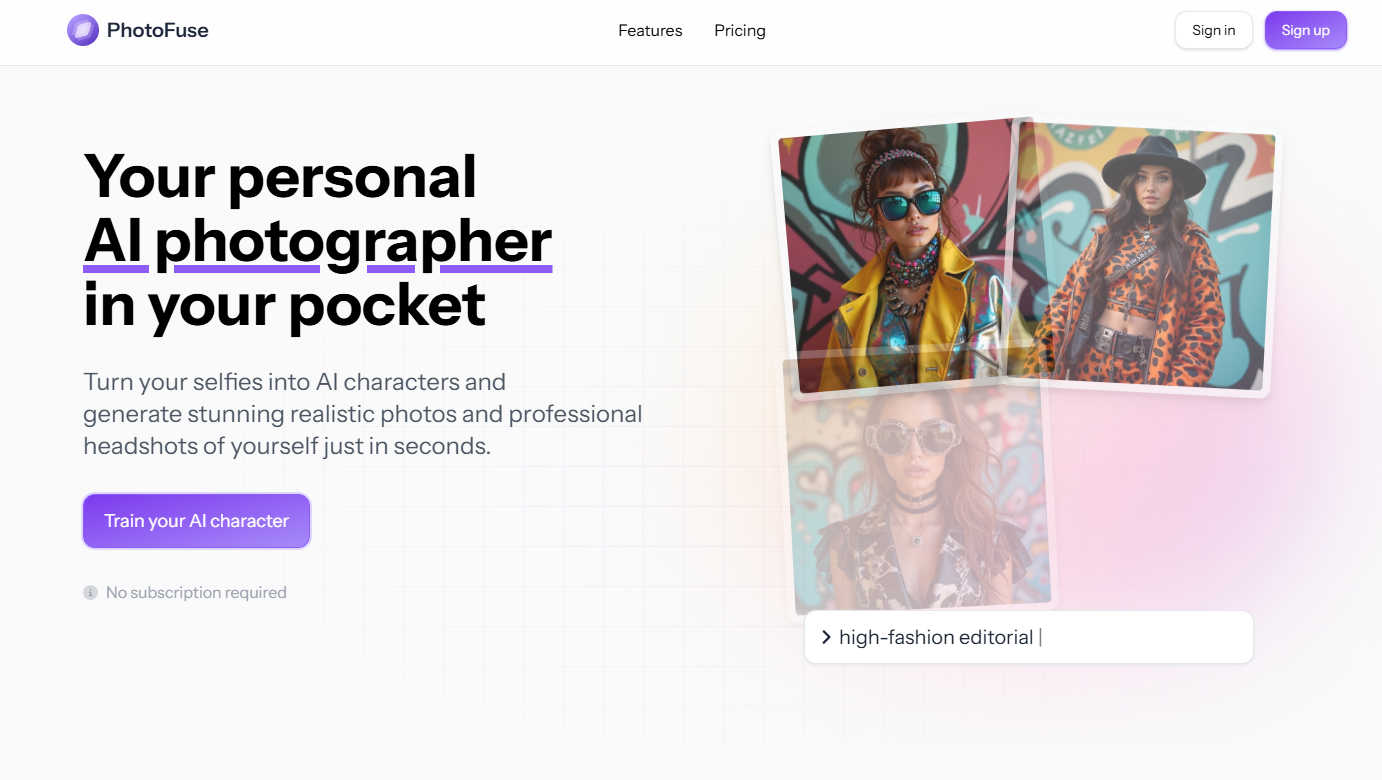
About PhotoFuse
PhotoFuse is a groundbreaking AI photography tool that elevates your images by transforming ordinary selfies into hyper-realistic AI characters and professional headshots in just seconds. This innovative platform is designed for both individuals and professionals, enabling anyone to create stunning visuals without requiring any technical expertise or complicated prompts. Users simply need to upload 10-15 photos, select a template that aligns with their vision, and let the AI work its magic. The result is a collection of images that capture preferred expressions, clothing styles, backgrounds, and accessories tailored to the user’s needs. Whether you are enhancing your social media presence, updating your LinkedIn profile, or creating marketing materials, PhotoFuse meets all your photographic requirements. With flexible pricing options, including freemium and pay-as-you-go plans, PhotoFuse grants full commercial rights, making it an ideal choice for entrepreneurs, content creators, and anyone eager to enhance their online image with professional-quality photographs.
Features of PhotoFuse
Easy Photo Upload
The first step to creating your AI character is simple: upload 10-15 photos of yourself. PhotoFuse provides clear guidance on the best practices to achieve optimal results, ensuring that the transformation process is smooth and effective.
Template Selection
Choose from an extensive library of pre-made templates that resonate with your style or manually design your scene using the intuitive interface. This flexibility allows for a personalized touch, catering to various creative visions and professional needs.
Quick Image Generation
In just a few seconds, PhotoFuse generates 1-4 variations of your uploaded images. If you love one of the generated images, you can download and share it instantly. If adjustments are needed, simply tweak your selections and regenerate for the perfect outcome.
Professional Headshots
Crafting a polished headshot has never been easier. With options for backgrounds, expressions, outfits, and accessories, even those with zero technical skills can create a professional image that reflects their personality and brand.
Use Cases of PhotoFuse
Social Media Profiles
PhotoFuse is perfect for enhancing your social media presence. Whether you need a fresh profile picture for Instagram, Facebook, or Twitter, the tool allows you to create eye-catching visuals that stand out in crowded feeds.
LinkedIn Headshots
Elevate your professional image with a stunning LinkedIn headshot. PhotoFuse enables users to create polished images that reflect their professionalism, helping them make a strong first impression in the business world.
Marketing Materials
Entrepreneurs and marketers can leverage PhotoFuse to create compelling visuals for promotional content. The ability to generate high-quality images quickly allows for faster content creation and more engaging marketing campaigns.
Creative Projects
For content creators, PhotoFuse offers a unique way to experiment with different styles and characters. Whether for blogs, videos, or other creative endeavors, the generated images can be tailored to fit various themes and narratives.
Frequently Asked Questions
How does PhotoFuse generate images?
PhotoFuse utilizes advanced AI technology that analyzes the uploaded photos and applies algorithms to create hyper-realistic images based on user-selected templates and styles.
Do I need to subscribe to use PhotoFuse?
No subscription is required to use PhotoFuse. Users can choose from flexible pricing options, including freemium and pay-as-you-go plans to suit their needs.
What types of images can I create with PhotoFuse?
With PhotoFuse, you can create a variety of images, including AI characters, professional headshots, and visually appealing images for social media or marketing materials.
Is there a limit to how many photos I can upload?
Users can upload 10-15 photos to create their AI character. However, with subscription plans, there are generous credit allowances for generating multiple images, giving you the freedom to create as needed.
Explore more in this category:
Similar to PhotoFuse

AI Album Cover Maker
Create release-ready album covers from a prompt or photo. Generate, refine, and export art for singles, EPs, mixtapes, and playlists.

Ideogram Studio
Create text-perfect logos, posters, ads, packaging, and ecommerce visuals with Ideogram 4 AI workflows.

Qwen Image Edit
Edit and generate visuals with Qwen Image Edit using prompts for background changes, text edits, posters, outpainting, and style exploration.

MetaMuse
Create AI videos from prompts and references, then generate and edit campaign-ready visuals with MetaMuse image and video tools.


AIEnhancer
Enhance photos, create AI images, and generate videos with flexible workflows, creative effects, and a shared asset library.

Lockimate - AI Live Wallpapers
Turn any photo into a real Apple Live Photo that animates when you wake your iPhone. Restyle it and choose the motion — customizable.

Vismuse
Create polished AI images and videos from prompts or references for social posts, ads, flyers, album covers, and campaigns.