

SpeedTestry
SpeedTestry delivers fast, accurate internet speed tests, ensuring you know your true network performance instantly.
About SpeedTestry
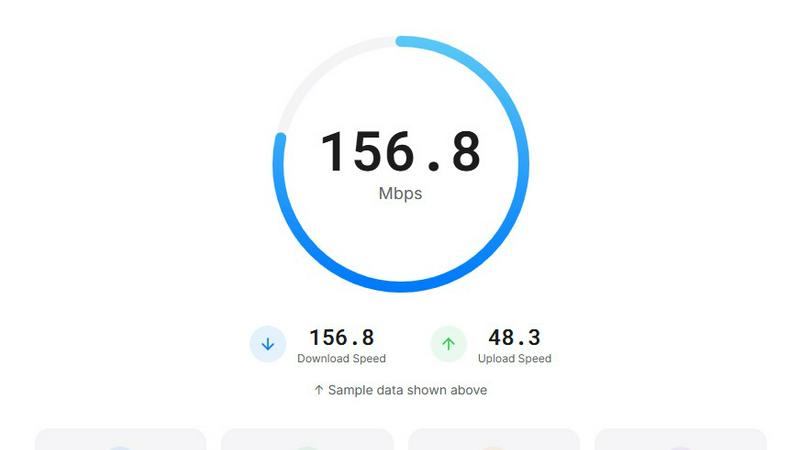
SpeedTestry is your go-to internet speed testing tool designed to deliver quick, accurate, and free assessments of your network performance. Whether you're a casual internet user wanting to check your connection speed, a gamer needing low latency for an optimal experience, or a professional troubleshooting network issues, SpeedTestry has you covered. With its intuitive user interface and rapid result generation, you can measure critical performance metrics such as download and upload speeds, ping, and jitter in mere seconds. The main value proposition lies in its reliability and independence; unlike ISP-provided tests, SpeedTestry offers unbiased insights, ensuring you can confirm that you are receiving the speeds promised by your Internet Service Provider (ISP). Plus, with a strong commitment to privacy, SpeedTestry ensures that your data remains secure, making it a trustworthy choice for conducting speed tests.
Features of SpeedTestry
Download Speed Test
The download speed test measures how quickly data is delivered to your device, an essential metric for streaming, file downloads, and web browsing. With SpeedTestry, you can quickly determine if your download speeds meet your needs for seamless online activities.
Upload Speed Test
Our upload speed test evaluates how fast you can send data to the internet. This feature is crucial for activities like video conferencing, cloud backups, and content creation. SpeedTestry provides a reliable measure to ensure your uploads are swift and efficient.
Ping Speed Test
SpeedTestry's ping speed test measures the response time between your device and the servers. This is particularly important for gamers and anyone who relies on real-time communication, ensuring your connection is responsive and minimizing lag during critical moments.
Jitter Speed Test
The jitter speed test assesses connection stability by measuring variations in ping. A stable connection is vital for smooth streaming and video calls. SpeedTestry helps you identify any fluctuations that might affect your online experience.
Use Cases of SpeedTestry
Home Users
Home users frequently run speed tests to ensure they receive the internet speeds promised by their ISP. SpeedTestry provides a simple and effective way to confirm that your connectivity meets your household's streaming and browsing needs.
Gamers
Gamers can utilize SpeedTestry to measure their ping and jitter, which are crucial for competitive gaming. By ensuring optimal network conditions, players can reduce lag and enhance their overall gaming experience.
Remote Workers
For remote workers conducting video calls and transferring large files, it's essential to have reliable upload and download speeds. SpeedTestry allows professionals to assess their connection quickly and make necessary adjustments to improve their productivity.
IT Professionals
IT professionals often need to troubleshoot network issues for clients or organizations. With SpeedTestry, they can quickly run speed tests to diagnose problems, ensuring that users receive the internet performance they expect and deserve.
Frequently Asked Questions
How accurate is this speed test?
SpeedTestry utilizes advanced algorithms and a global network of servers to deliver highly accurate results. Users can trust that their measurements reflect real-time network performance without ISP interference.
Why is my speed test result slower than what I'm paying for?
Several factors can contribute to slower speed test results, including network congestion, distance from the router, or issues with the ISP. Running tests at different times can help identify consistent issues or temporary slowdowns.
What is a good speed test result?
A good speed test result varies depending on your needs. Generally, download speeds above 25 Mbps are considered sufficient for most online activities, while upload speeds should ideally exceed 5 Mbps for smooth video conferencing and content sharing.
How often should I run a speed test?
It is advisable to run speed tests periodically, especially if you notice slow internet performance. Testing at different times of the day can help you understand your network's capabilities and fluctuations throughout the week.