
AutoPhish vs Zovo
Side-by-side comparison to help you choose the right tool.

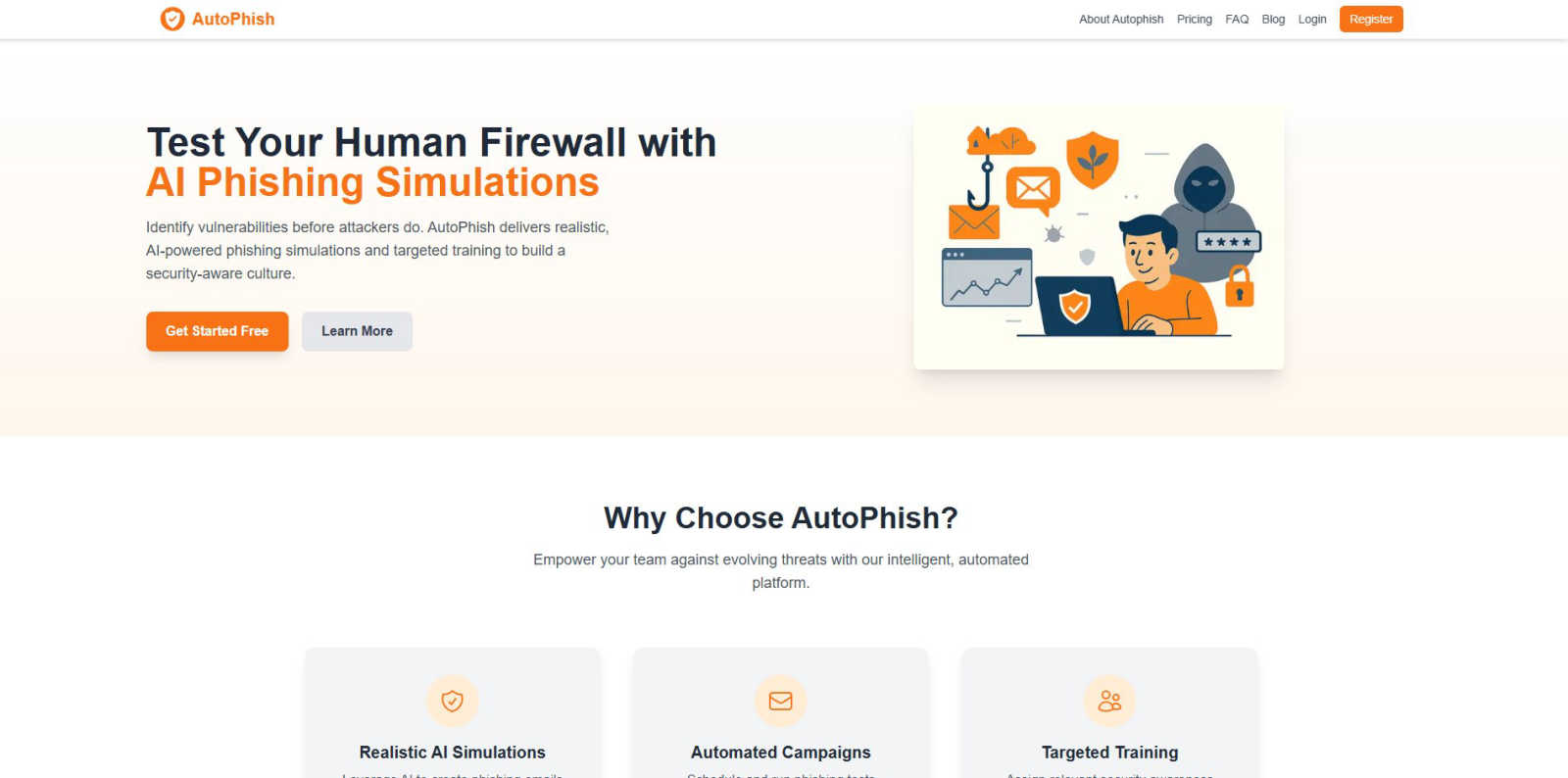
AutoPhish uses AI to run realistic phishing simulations and train your team against email threats.
Last updated: March 1, 2026

Unlock 20 privacy-first Chrome extensions for developers and writers, all from a solo developer committed to your data.
Last updated: February 28, 2026
Visual Comparison
AutoPhish
Zovo

Feature Comparison
AutoPhish
AI-Powered Realistic Phishing Simulations
Leverage cutting-edge generative AI to create phishing emails that are indistinguishable from real-world attacks. The AI analyzes current threat intelligence and tailors content, sender personas, and urgency to match your specific industry context, ensuring every test is a relevant, high-stakes learning experience that prepares employees for what they'll actually face.
Automated Campaign Management
Completely automate your phishing simulation program. Schedule campaigns weeks or months in advance, target specific user groups dynamically, and let the platform handle delivery and tracking. This ensures consistent, ongoing security testing without draining your team's resources on repetitive administrative tasks.
Performance-Based Targeted Training
Move beyond one-size-fits-all training. AutoPhish intelligently analyzes user interactions with simulations (clicks, data entry, reporting) and automatically assigns follow-up security awareness training modules that address their specific gaps. This personalized approach ensures education is relevant, impactful, and drives behavioral change.
Comprehensive Analytics & Reporting Dashboard
Gain deep, actionable insights into your organization's security posture. The platform provides advanced reporting on click-through rates, vulnerable departments, repeat offenders, and overall risk scores. Use these metrics to measure ROI, demonstrate compliance needs, and make data-driven decisions to strengthen your human layer.
Zovo
Privacy-First Design
Every Zovo extension is built with user privacy in mind. Running entirely on your device, these tools ensure that no data leaves your browser, eliminating risks associated with data breaches and tracking. Say goodbye to invasive ads and unwanted data collection.
Community-Driven Development
Zovo thrives on user feedback, allowing members to vote on new features and tools to be developed. This unique approach not only fosters community engagement but also ensures that the most requested features are prioritized, aligning the product with real user needs.
Comprehensive Tool Suite
With 20 extensions available, Zovo provides a one-stop solution for various browser needs. From managing tabs to formatting JSON and maintaining clipboard history, each tool is designed to enhance productivity and streamline workflows without compromising on privacy.
Seamless Installation and Use
Zovo extensions can be installed in seconds without creating an account. Core features are available for free, allowing users to experience the power of the extensions immediately. Upgrading to Pro unlocks additional features when users are ready for more.
Use Cases
AutoPhish
Proactive Security Posture Assessment for IT Teams
Security teams use AutoPhish to conduct regular, automated phishing tests across the organization. This provides a continuous, data-driven assessment of the human risk landscape, identifying which departments or individuals are most vulnerable, allowing for targeted intervention before a real breach occurs.
Compliance and Audit Readiness
Organizations in regulated industries deploy AutoPhish to fulfill mandatory security awareness training requirements. The platform provides documented proof of ongoing employee testing and education, complete with detailed reports and metrics, making it effortless to demonstrate due diligence during audits for standards like ISO 27001, GDPR, or SOC 2.
Onboarding and Continuous Employee Education
HR and People Ops teams integrate AutoPhish into the employee lifecycle. New hires undergo simulated phishing tests as part of onboarding, while all employees receive periodic, automated campaigns. This ingrains security-conscious behavior from day one and maintains vigilance through continuous, relevant exposure.
Simulating Sophisticated Spear-Phishing Attacks
For advanced security maturity, teams use AutoPhish to craft and launch highly targeted spear-phishing campaigns against executive assistants, finance departments, or system administrators. This tests resilience against the most dangerous, personalized attacks and validates the effectiveness of advanced threat detection and reporting protocols.
Zovo
Enhanced Writing with BeLikeNative
Users looking to improve their writing skills can leverage BeLikeNative to receive instant suggestions for rewriting sentences. This tool is especially beneficial for non-native speakers or anyone seeking to enhance their communication in professional settings.
Improved Productivity with Tab Suspender Pro
For users who manage multiple tabs, Tab Suspender Pro helps conserve memory by automatically suspending inactive tabs. This feature is perfect for professionals juggling numerous projects or students conducting research online.
Efficient Data Management with Clipboard History Pro
Clipboard History Pro allows users to manage their clipboard effectively, storing up to 100 items for easy access. This is invaluable for anyone who frequently copies and pastes information, such as content creators or researchers.
Simplified API Testing with API Testing Lite
Developers can utilize API Testing Lite to streamline their testing processes. This tool simplifies the interaction with APIs, making it easier to debug and validate requests, which is crucial for maintaining the functionality of web applications.
Overview
About AutoPhish
In today's hyper-connected digital landscape, your employees are the new perimeter. With AI-powered phishing attacks becoming frighteningly sophisticated and personalized, traditional security training is obsolete. AutoPhish is the cutting-edge, AI-driven platform engineered to turn your workforce from a vulnerability into your strongest line of defense. It's not just another training module; it's a proactive cybersecurity engine designed for organizations of all sizes that are serious about resilience. The platform revolutionizes security awareness by deploying hyper-realistic, AI-generated phishing simulations that perfectly mimic the latest attack vectors, from CEO fraud to credential-harvesting scams tailored to your specific industry. This allows you to proactively identify and patch human vulnerabilities before real attackers exploit them. Beyond simulation, AutoPhish automates the entire training lifecycle, freeing your security team from manual campaign management and delivering targeted, actionable training to users based on their simulation performance. Its core value proposition is clear: build a genuine, lasting culture of security awareness by continuously testing and educating your human firewall with the most advanced tools available, ensuring your organization stays ahead of evolving threats.
About Zovo
Zovo is a comprehensive suite of 20 Chrome extensions meticulously crafted by a solo developer with over a decade of experience and a stellar track record of $400K+ earned on Upwork. Designed for users who prioritize privacy and functionality, Zovo's flagship extension, BeLikeNative, empowers over 3,300 users to write like native speakers, offering one-keystroke rewrites in an impressive 80 languages. The suite also includes powerful tools like Tab Suspender Pro, JSON Formatter Pro, Clipboard History Pro, and many others, catering to a wide range of browser needs. What sets Zovo apart is its commitment to user privacy; all extensions operate locally on your device with no data harvesting or tracking. Users play an integral role in shaping the future of Zovo by voting on features and requesting new tools, ensuring that each release aligns with their needs. With new extensions launching monthly and many tools available for free online, Zovo is the go-to solution for anyone looking to enhance their browsing experience while keeping their data secure.
Frequently Asked Questions
AutoPhish FAQ
How realistic are the AutoPhish simulations?
Extremely realistic. AutoPhish uses advanced AI to generate phishing email content that mirrors current real-world attack tactics, techniques, and procedures (TTPs). You can customize simulations with your company's branding, industry-specific lingo, and common internal communication styles, making them nearly indistinguishable from legitimate messages and providing a true test of employee vigilance.
Is it safe to send simulated phishing emails to my own employees?
Absolutely. Safety and security are paramount. AutoPhish requires you to verify domain ownership, ensuring simulations are sent securely. The platform operates with clear ethical guidelines, all simulated activity is contained within the platform for analysis, and no real malicious software or links are used. It's a controlled, educational environment designed to build awareness, not cause harm.
What happens if an employee fails a simulation?
Failure is a critical learning opportunity. When an employee interacts with a simulated phishing email, AutoPhish can be configured to display an immediate, instructive message explaining what they missed. The system then flags the user and can automatically enroll them in mandatory, targeted training modules specifically designed to address the type of phishing tactic they fell for, turning a mistake into a teachable moment.
Can I track the progress and ROI of the training program?
Yes, comprehensively. AutoPhish provides a detailed analytics dashboard that tracks key metrics over time, including overall phishing susceptibility rates, department-by-department performance, repeat click rates, and training completion. You can measure the improvement in your human firewall's resilience and generate reports to demonstrate the program's effectiveness and ROI to leadership.
Zovo FAQ
What makes Zovo different from other Chrome extensions?
Zovo stands out due to its privacy-first approach, where all data is processed locally on your device with no data harvesting or tracking. Additionally, the community-driven development model allows users to influence the roadmap of new features.
How do I install Zovo extensions?
Installing Zovo extensions is quick and easy. Simply visit the Chrome Web Store, choose any extension, and click install. No account creation or sign-up is required, making it a hassle-free experience.
Are there any costs associated with using Zovo?
Most of Zovo's core features are free to use. However, users can choose to upgrade to the Pro version for access to advanced features like Focus Mode and cross-device sync, which enhances the overall functionality of the extensions.
How can I request new features or provide feedback?
Zovo encourages user interaction, allowing you to submit feature requests directly. The developer reads every submission, and the most popular requests are prioritized for development, ensuring that the tools evolve based on user needs.
Alternatives
AutoPhish Alternatives
AutoPhish is a leading AI-powered platform in the Business Intelligence and Productivity & Management space, designed to fortify organizational email security through automated phishing simulations and targeted training. It's a critical tool for building a human firewall against evolving cyber threats. Users often explore alternatives for various reasons, including budget constraints, the need for different feature sets like broader security awareness training, or specific integration requirements with their existing tech stack. The search for the right fit is a common step in the cybersecurity procurement process. When evaluating other solutions, prioritize platforms that offer hyper-realistic, AI-driven simulations that mirror current attack vectors. Look for automated campaign management to save time, and ensure the tool provides actionable analytics and personalized training paths to turn vulnerable clicks into vigilant employees.
Zovo Alternatives
Zovo is a comprehensive suite of 20 privacy-first Chrome extensions designed specifically for developers and writers. With tools like JSON Formatter and Tab Suspender, Zovo enhances productivity while ensuring user data remains secure and private. This collection, created by a seasoned developer with extensive freelance experience, aims to provide a seamless and efficient workflow for its users. Users often seek alternatives to Zovo for various reasons, including pricing concerns, specific feature requirements, or platform compatibility. When exploring alternatives, it's essential to consider factors such as the range of available features, user reviews, ease of use, and the commitment to privacy. Additionally, understanding the development team's responsiveness to user feedback can significantly impact long-term satisfaction with the chosen tool.