

MindMap AI
Transform any content into dynamic mind maps with AI-driven insights and effortless co-editing to enhance creativity.
About MindMap AI
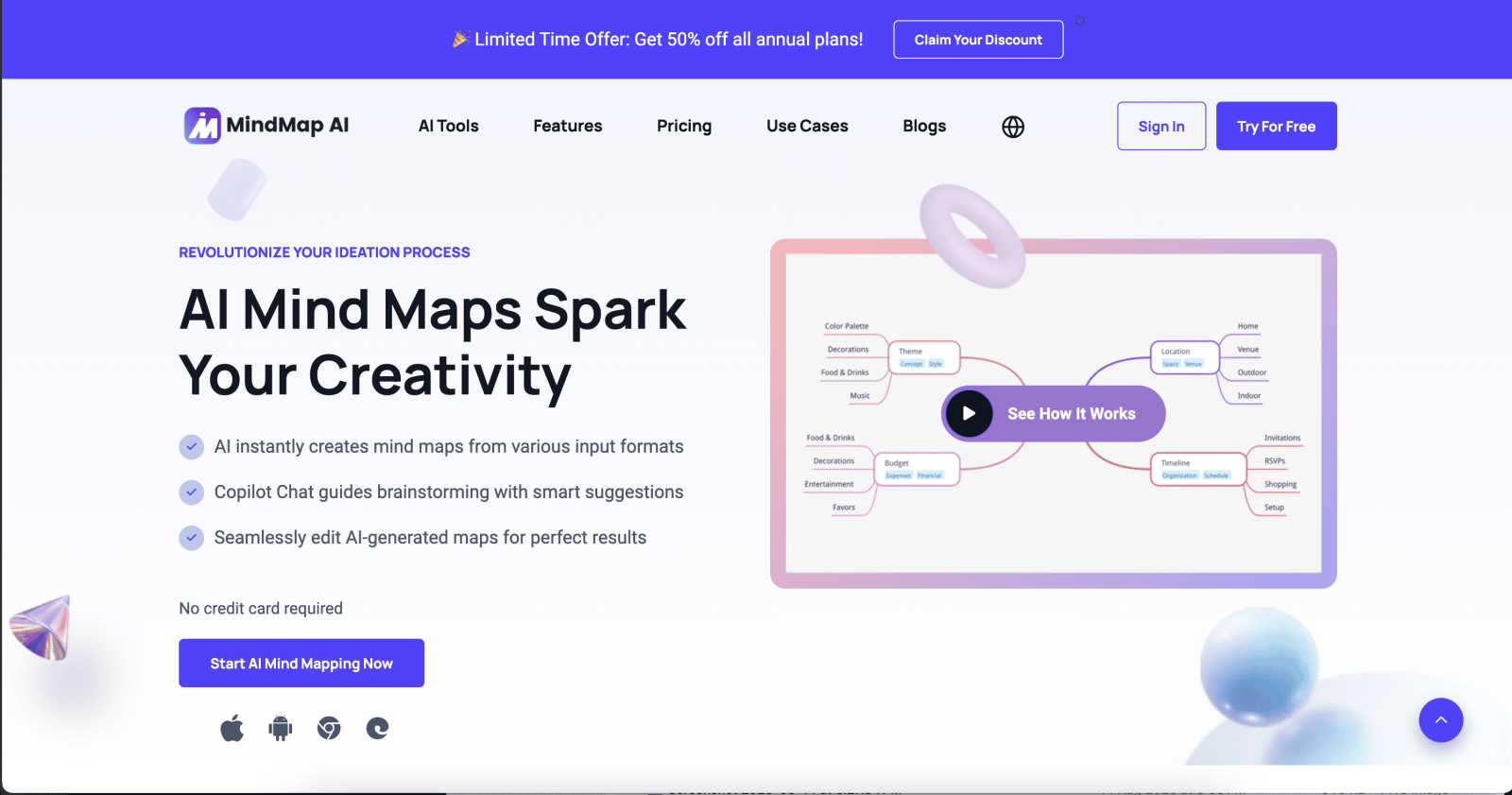
MindMap AI is a cutting-edge AI-powered mind mapping software that transforms the way professionals and teams brainstorm and organize their ideas. Designed for users ranging from corporate teams to educators and researchers, it enables the seamless conversion of diverse inputs—such as PDFs, documents, images, audio recordings, and more—into dynamic, visually appealing mind maps. This revolutionary tool enhances productivity by allowing teams to visualize complex information, facilitating clearer communication and collaboration. Key features like the AI Co-Pilot Chat foster real-time interaction with mind maps, ensuring that users can refine their strategies and ideas instantly. MindMap AI empowers organizations to streamline their ideation processes, turning chaos into clarity with tools that support actionable workflows and strategies. With cross-platform accessibility and multi-format export options, MindMap AI stands out as an essential tool for anyone looking to elevate their thinking and productivity.
Features of MindMap AI
AI Thinking Mode
The AI Thinking Mode utilizes an advanced reasoning engine that comprehends context, hierarchy, and relationships among ideas. This ensures that every mind map generated is structured, meaningful, and accurate, eliminating the chaos of random branches. Users benefit from a consistently organized visual representation of their thoughts right from the first attempt.
File-to-Map Conversion
MindMap AI simplifies the mind mapping process by allowing users to convert various content types—text, PDFs, images, audio, and more—into beautifully structured mind maps instantly. This feature eliminates the tedious task of manual formatting, enabling users to concentrate on ideation and planning rather than on creating visual layouts.
Multi-Language Support
This innovative tool supports mind mapping in over 25 different languages. Users can create and edit maps without losing accuracy or structure, making it ideal for global teams or multilingual environments. The AI ensures that layout and meaning remain intact, regardless of the language used.
Continuous Editing
MindMap AI provides users with the flexibility to edit their maps manually or with the assistance of AI that co-creates alongside them. Users can expand, summarize, reorganize, and style their mind maps with full control, ensuring that their unique structure and design remain intact while benefiting from AI suggestions.
Use Cases of MindMap AI
Project Planning
MindMap AI is an invaluable tool for project managers who need to lay out complex projects visually. By converting project requirements into mind maps, teams can better understand tasks, timelines, and dependencies, leading to enhanced collaboration and execution.
Educational Purposes
Educators and students can leverage MindMap AI to create study guides, lesson plans, and research outlines. The ability to transform lecture notes and reading materials into visual mind maps simplifies information retention and enhances learning experiences.
Brainstorming Sessions
During brainstorming sessions, teams can utilize MindMap AI to capture and organize ideas in real time. The AI's ability to process various input types turns raw ideas into structured maps, facilitating clearer discussions and decision-making.
Knowledge Management
Organizations can use MindMap AI to systematically organize knowledge and resources. By converting large documents and datasets into mind maps, teams can quickly access critical information, making it easier to share insights and foster innovation across departments.
Frequently Asked Questions
What types of content can I convert into mind maps using MindMap AI?
You can transform a variety of content types, including text documents, PDFs, images, audio recordings, videos, and even CSV files, into structured mind maps, making it a versatile tool for diverse needs.
Is MindMap AI suitable for teams working in multiple languages?
Absolutely. MindMap AI supports over 25 languages, allowing teams from different linguistic backgrounds to collaborate effectively without losing the integrity of their ideas.
How does the AI Co-Pilot feature work?
The AI Co-Pilot acts as an interactive assistant that works alongside you as you create your mind map. You can ask it questions, request suggestions, and refine your strategies, all in real time, ensuring a dynamic brainstorming experience.
Can I customize my mind maps in MindMap AI?
Yes, MindMap AI allows for total customization of your mind maps. You can choose colors, fonts, shapes, and even add functional widgets like Priority Flags and Due Dates to enhance the usability and appearance of your maps.
Explore more in this category:
Similar to MindMap AI


PerPageFax
PerPageFax lets you send a fax online from any browser for a flat $0.50 per page — no account, no subscription, no fax machine.

OctoWatch DLP
Track staff & time. Free trial. Cloud/on-prem.

Fill PDF from Sheet
Fill PDF from Sheet automates the process of populating PDF forms from data in Excel, CSV, or Google Sheets.

linkwise.link
AI finds your lost links. Summarizes & tags URLs.

Glanced
Follow news, blogs, newsletters, and podcasts in a free RSS reader, with AI summaries, top stories, full-text search, saved searches, and a catalog.
